Session Beacon
With several Claude Code sessions open across different VS Code windows, the one that matters is usually the one I can’t see: stopped on a permission prompt, waiting for an answer. Session Beacon is a small USB display that sits next to the keyboard and lists every running session on one 160 × 128 screen, with a coloured dot for each session’s state and a timer showing how long it has been there.
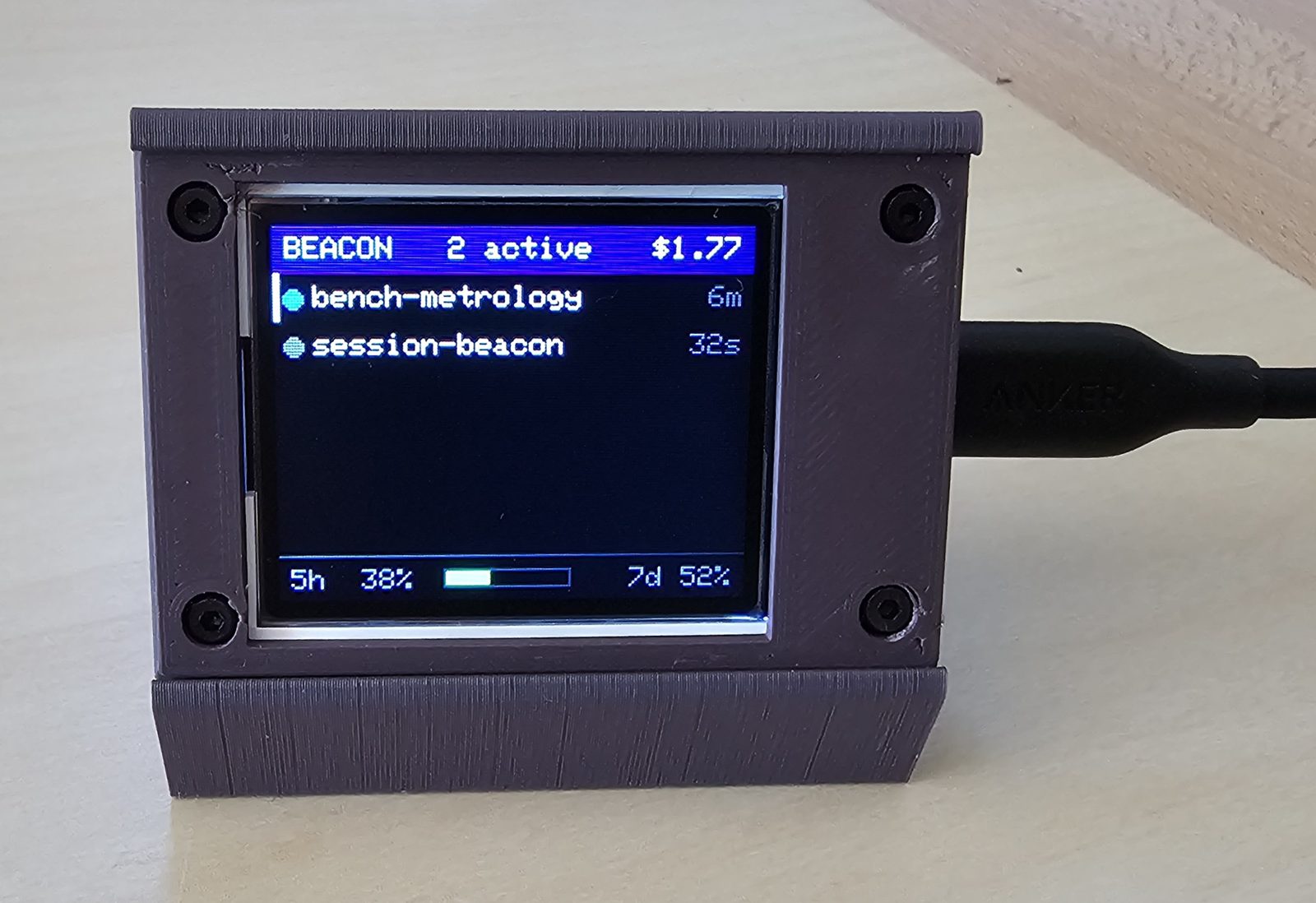
It runs end to end on Windows: firmware on the board, a Python daemon on the PC, and Claude Code hooks that report each session’s events to the daemon.
How it reads
Each row is one session: a coloured dot, the session’s label, and the time it has spent in its current state. Colour carries the state rather than a word — blue for working, green for idle, grey while starting, magenta for an error. Long labels lose their middle rather than their end, so two sessions with a shared prefix stay distinguishable.
A session that needs an answer escalates and then relaxes. The dot pulses red for the first two minutes, holds static red until ten minutes, and then drops to amber. A prompt I’ve clearly chosen to leave stops shouting, but it’s still visible. A gentler cyan warning covers a session that has gone idle while background work is still running. If nothing changes, it becomes a full request after five minutes.
The header carries the number of active sessions and their combined cost. The footer switches every four seconds between the highlighted session’s context window and the account-wide five-hour and seven-day usage limits. The same daemon also feeds Claude Code’s own statusline, which ends in a small marker showing whether the device is reachable.

beacon.
beacon? — the daemon is running but can’t see the board. That separates “the hooks are broken” from “the cable is out”.Architecture
Claude Code hooks call a thin forwarder that POSTs each event to a long-running daemon over local HTTP. The daemon holds per-session state and sends a JSON snapshot to the board over USB serial every second. The board redraws only the fields that changed, and sends a heartbeat back.
Design notes
- One owner for the serial port. Hooks are short-lived processes. If each one wrote to the port directly, they would contend for it, and no process would hold state between events. A single daemon owns the port, keeps state across events, and debounces redraws.
- A cheap hook path. The forwarder hands each event to the daemon in about 15 ms.
PreToolUseis deliberately left out, which halves the hook cost on the busiest event.PostToolBatchcovers the case where a prompt is answered by rejecting the call. - Honest attention states. Only subagents reset a session’s attention state. Other background tasks don’t, because they send no signal when they retire. On Windows, the host walks the process tree to notice when a VS Code window has been closed out from under its sessions.
- Partial repaints. Repainting only the changed fields takes about 28 ms, while a full-screen redraw takes about 900 ms. That difference matters when the host sends a snapshot every second to advance the timers.
- Recovering from a stuck link. After the device froze once for more than seven hours, all serial output now goes through a queue instead of blocking on the USB buffer. If the return path dies while snapshots keep arriving, a 30-second timer forces the USB connection to reset rather than leaving a frozen screen. Elapsed-time checks use signed 32-bit arithmetic, so they survive the 49-day
millis()rollover.
Build
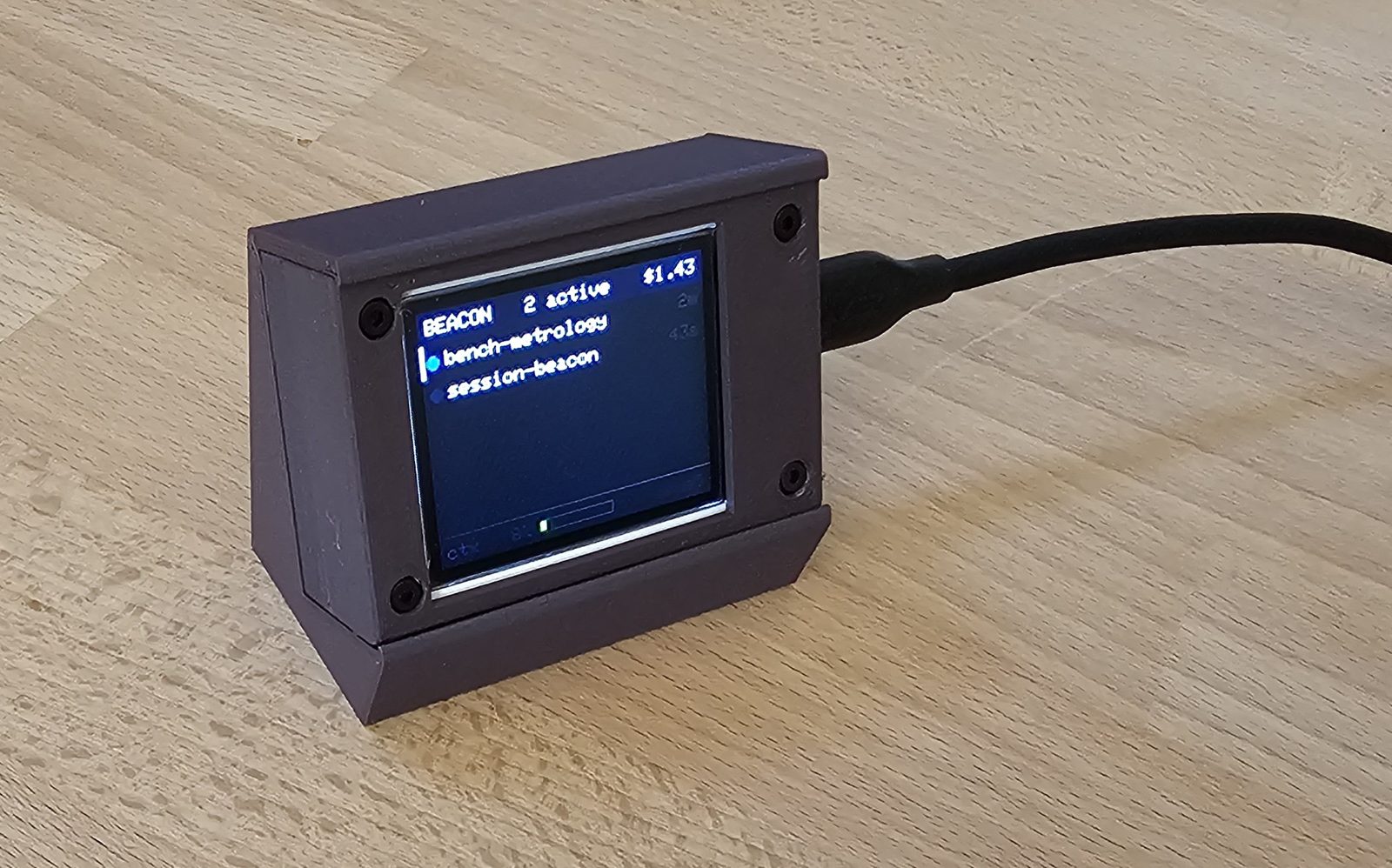
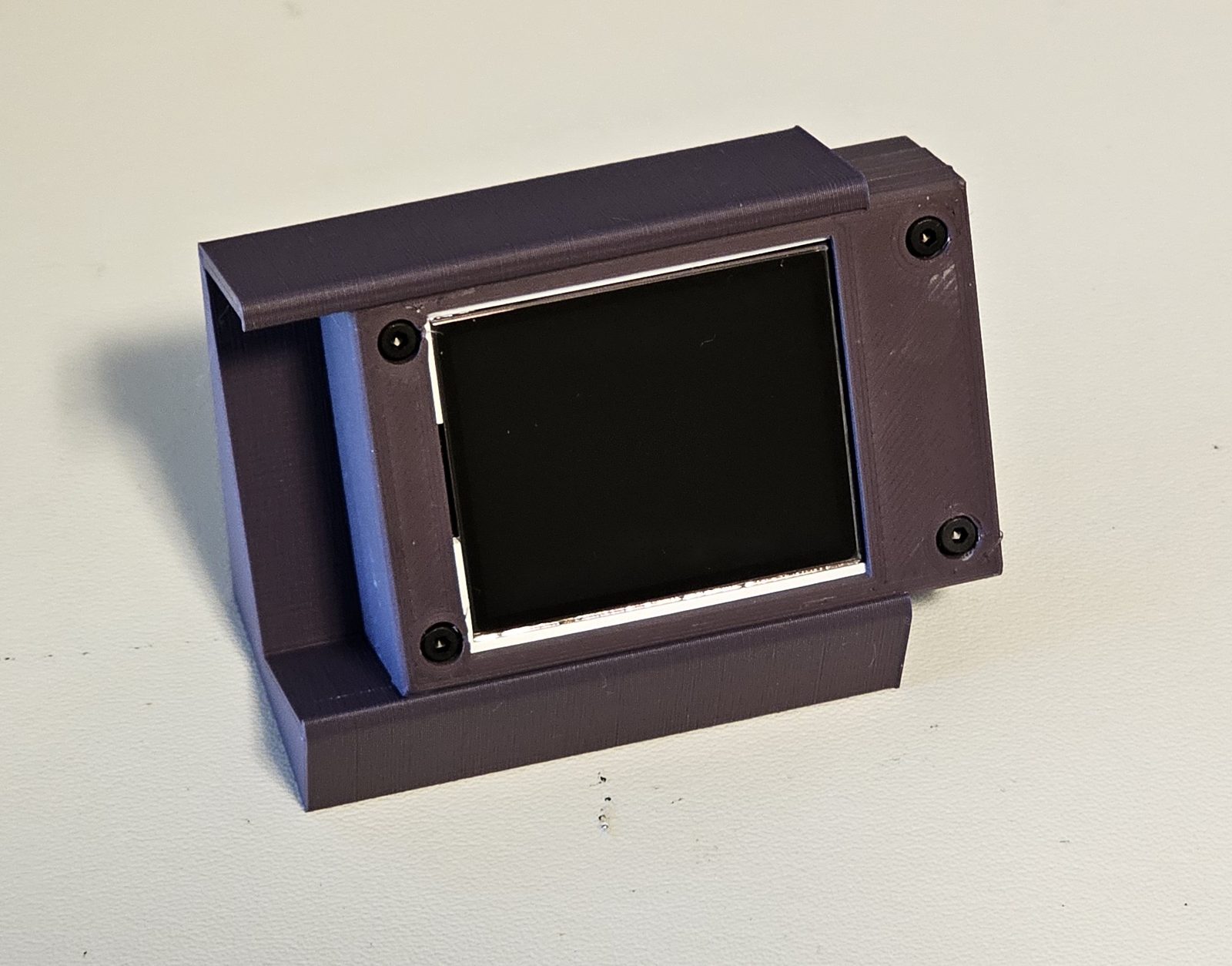
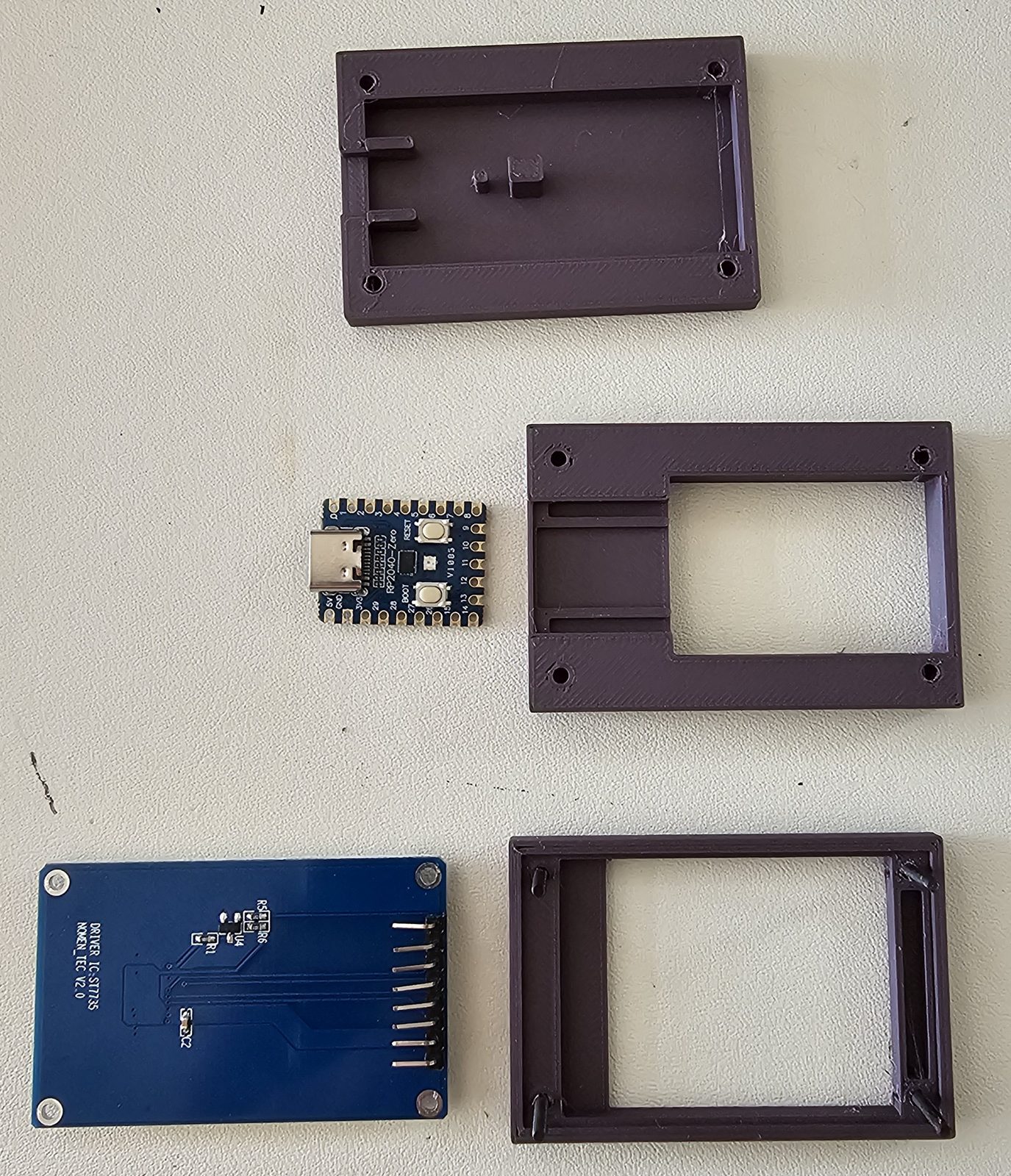
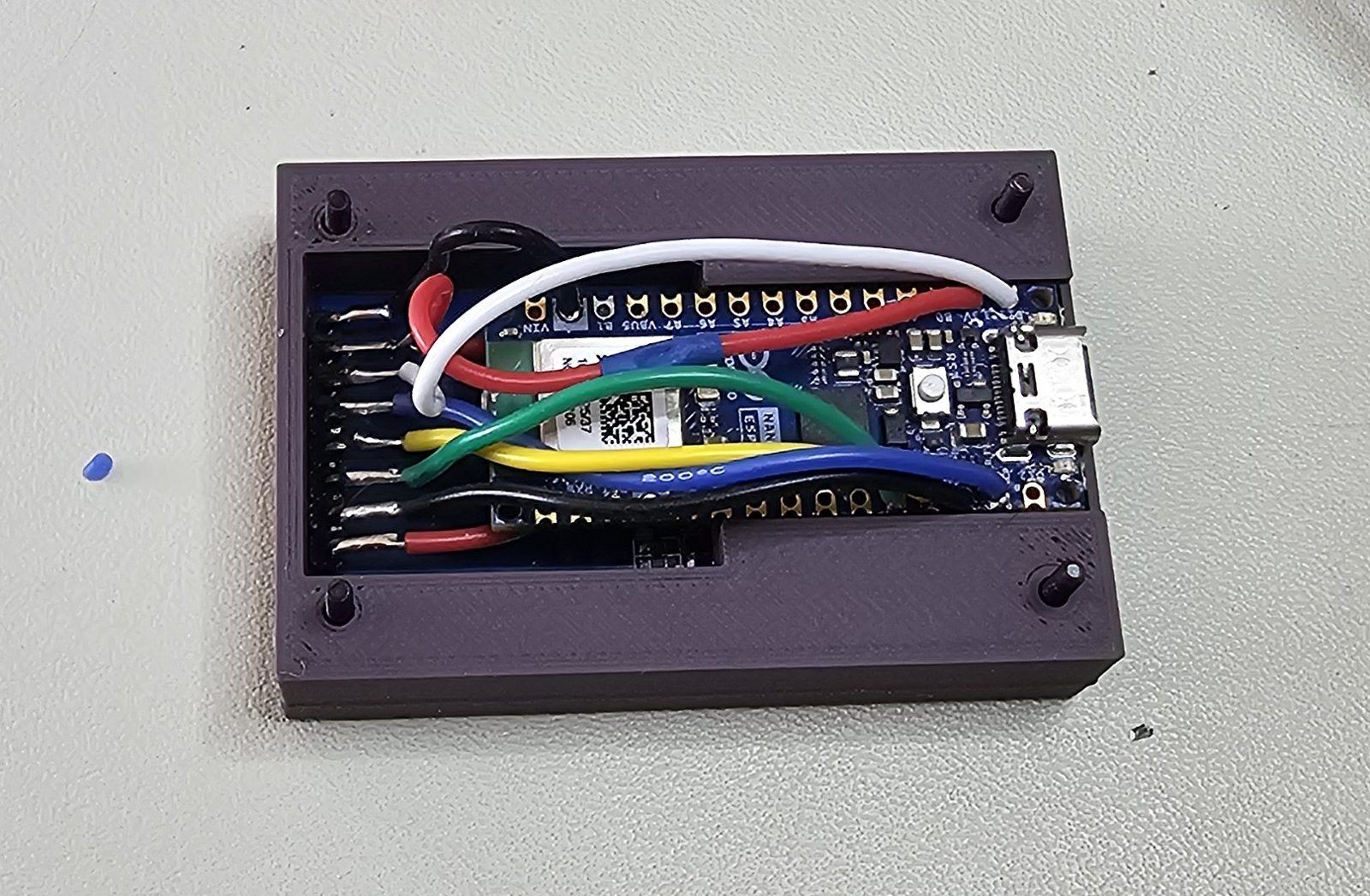
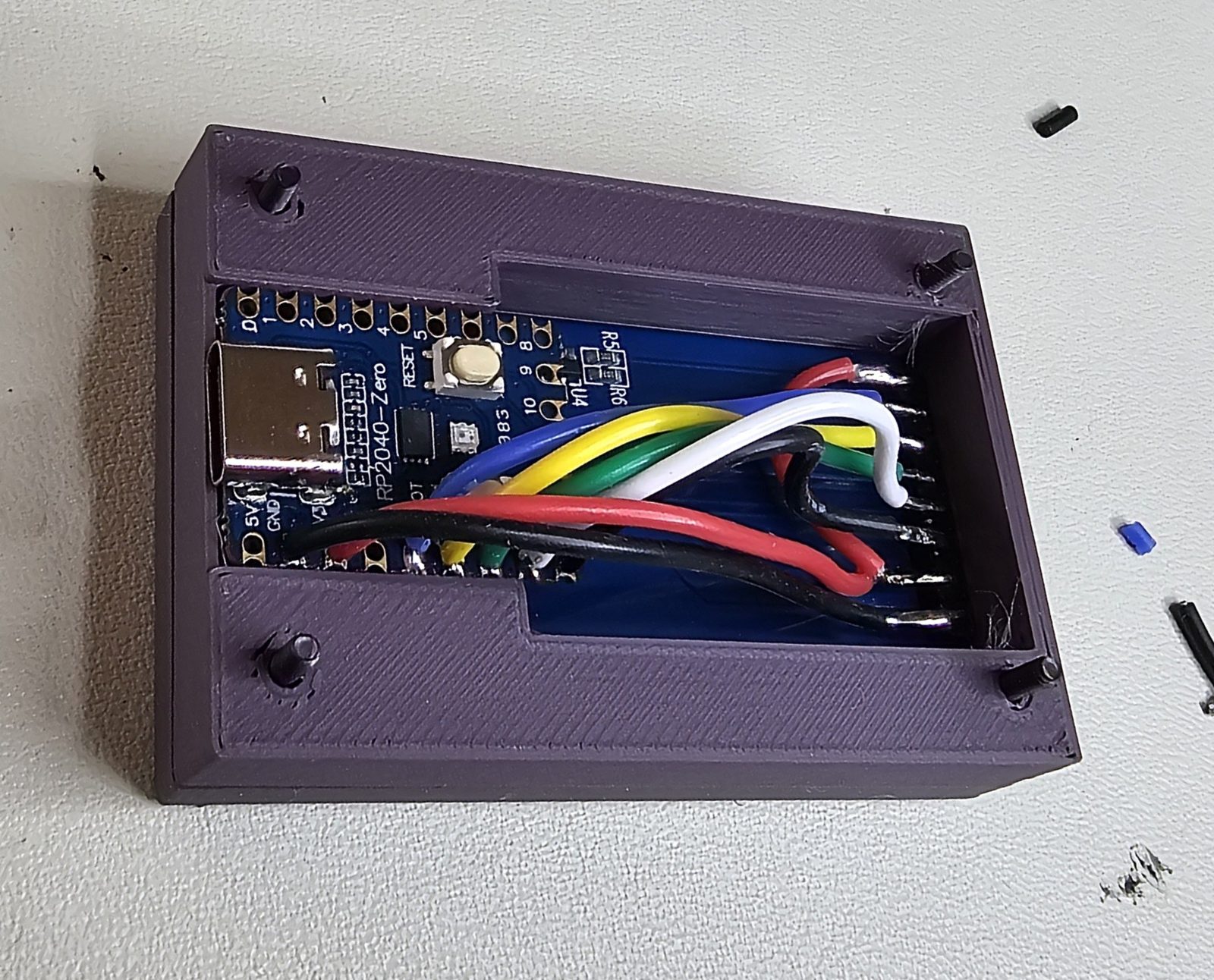
The enclosure is a three-part 3D print, 40 × 60 mm and 19 mm deep, held together by four M2 × 16 socket-head screws. A separate stand tilts it at 25°. Either microcontroller fits the same shell. The SolidWorks, STEP, and 3MF files are in the repository’s enclosure/ folder, and docs/enclosure.md covers printing and assembly.
Source
Firmware, host daemon, hook examples, install scripts, enclosure CAD, and the architecture, protocol, and wiring docs are all in the repository. The host side currently targets Windows.